

Why compare CapEx and lifecycle costs up front
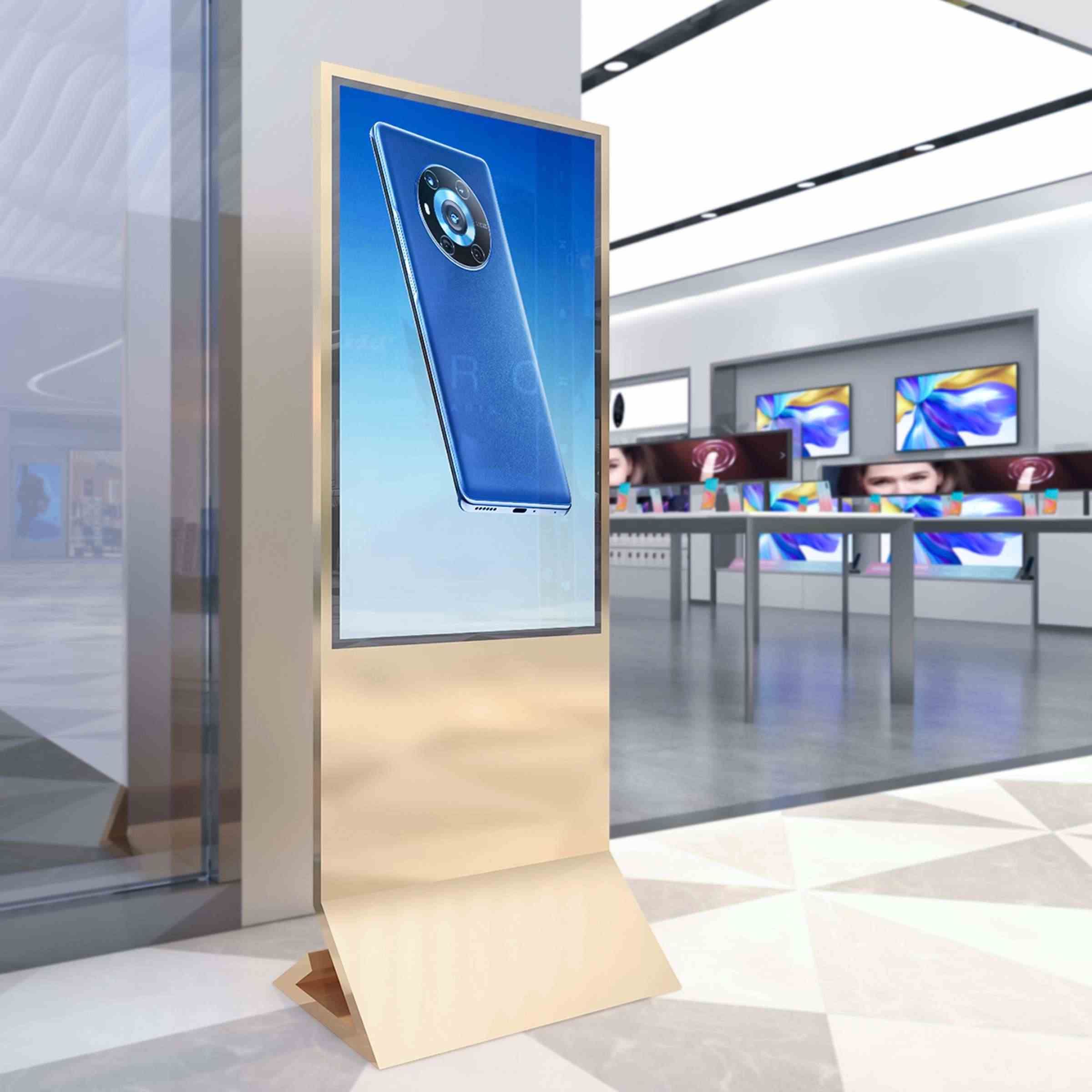
Corporate buyers often focus on sticker price when considering digital wayfinding, yet total return comes from years of operation. A comparative insight approach shows where one-time capital investment in LED displays, interactive kiosk hardware, and a robust content management system (CMS) pays off — and where recurring expenditures such as software licenses, maintenance, and power add up. Many institutions, including airports like Singapore Changi, demonstrate that upfront clarity on costs improves user experience and reduces rework. For a practical reference, see vendor offerings for digital wayfinding signage to understand baseline CapEx items and common configuration choices.

Breaking down the costs: what to count
List each major budget line and measure realistically. Capital items include displays, player boxes, mounting, network upgrades and installation labour. Operational items include CMS subscriptions, content updates, remote monitoring, power, and occasional hardware repairs. Don’t skip edge costs such as integrations with building directories or access controls — these affect both CapEx and OpEx. Use simple categories: hardware, software, installation, and ongoing services. Include at least one maintenance contract year in your initial modelling to avoid surprises later.
Comparative scenarios that matter to procurement
Compare like with like. Scenario A: higher-CapEx, modular LED displays with cloud-based CMS and lower annual fees. Scenario B: lower-CapEx displays with proprietary software that charges per-screen SaaS fees. Scenario A often has higher initial outlay but predictable running costs. Scenario B can look attractive initially yet escalates in five years. Think in timelines: three-year, five-year and ten-year horizons. Factor in lifecycle events — screen replacements, firmware updates, and end-of-life disposal. Real-world practice shows airports and hospitals prefer predictable lifecycle budgeting — that reliability often trumps the cheapest first quote.
Performance considerations and industry signals
Measure performance beyond cost. Key indicators include uptime, update speed for wayfinding maps, user interaction rates on interactive kiosk units, and mean time between failures for displays. Track CMS usability and how quickly staff can publish changes. Integrations with building sensors and BLE beacons matter when indoor navigation is part of the requirement. When suppliers offer analytics tied to the CMS, use that data to estimate staff hours saved — convert saved labour into monetary benefit to refine ROI.
Common mistakes and practical alternatives
Procurement often underestimates content strategy and training needs, then extends expensive consulting months later. Avoid this by allocating budget for templates and training from the start. Another misstep is choosing proprietary hardware that locks you into a single vendor; consider modular displays and open-standard players that permit future upgrades. If you need redundancy, add remote monitoring services rather than extra on-site staff — often cheaper and more scalable. And remember the lifecycle waste: plan for recycling or resale of displays to reclaim value.
Three golden evaluation metrics for decision-makers
1) Total Cost of Ownership (TCO) over five and ten years — include replacement and disposal.
2) Break-even timeline — when cumulative operational savings offset the difference between low and high CapEx options.
3) Service-level outcomes — measurable uptime, average update time in the CMS, and user satisfaction scores from wayfinding interactions. Use dashboards to track these continually; that keeps procurement and facilities aligned.
Closing thoughts and recommendation
Comparative analysis helps you choose a solution that meets both budget discipline and long-term service expectations. Aim for predictable operational fees, a flexible CMS, and robust display hardware. When those align, the ROI becomes clear and sustainable — and teams can focus on user experience rather than firefighting. Digital directional signage that balances modular hardware and cloud management often hits that sweet spot.
Adopt these three golden rules, and procurement will make decisions that stand the test of time. Cosun Sign. —