
A Quick Scene: The Meeting Room Shuffle
You’ve seen it: a team files into a room, someone grabs the wrong seat, and the agenda stalls while labels get shuffled around. The digital name plate promises to fix that mess with clear roles and live updates. But here’s the twist—many rollouts still feel clunky. In a busy week, a mid-size office can swap or rename seats dozens of times, and each small change adds up. Studies on meeting friction show minor delays stack to hours over a month. So why are name displays still slow, wired, or hard to manage?
Let’s be direct: most of the trouble isn’t the screen. It’s the system around it. Old habits like manual labels or DIY tablets lead to dead batteries, app mismatches, and silent failures. If your ops team hates the weekly label ritual, they’re not alone. Add basic tech gaps—no PoE ports, no stable Wi‑Fi—and “quick updates” become a dreaded task. And when OTA updates stall, you get a backlog. The result? People stop trusting what the plate says. That’s the real problem we need to solve (before it grows). Stick with me—this sets the stage for a smarter approach.

Hidden Friction You Don’t See at First
Where do old workflows break?
Let’s go technical and simple. A name plate is just one node in a process. The weak links are in power, updates, and sync. If you rely on ad hoc charging, you’ll get drift. Batteries die on Friday afternoons—funny how that works, right? If your updates run through a busy Wi‑Fi, latency spikes. And if your app depends on a single admin, the queue grows. Meanwhile, real rooms are changing minute by minute. Static labels can’t keep pace with dynamic schedules, and even smart tablets struggle when firmware versions split across floors.
Here’s the deeper layer. Legacy mounts don’t consider cable paths or air gaps for heat. Power converters fail when stuffed into tight frames. Edge computing nodes get ignored, so everything pushes to the cloud even when local sync would be faster. The fix is not more clicks. It’s better architecture. Use small, predictable workflows: scheduled sync windows, offline caching, and clear triggers from your calendar system. Tie badge data to identity, not device IDs. Look, it’s simpler than you think—if you design for failure first. That way, even if a plate misses a signal, it recovers on the next cycle with minimal user pain. Reduce firmware variance. Limit custom fonts that crash display driver stacks. Choose protocols that your IT can support without special favors.
Comparing What’s Next With What’s Now
Real-world Impact
Let’s compare two paths. Path A: a tablet retrofit with mixed chargers, casual scripts, and a “hope it works” update plan. Path B: a system with low-power displays, stable PoE or optimized battery, and timed sync via a lightweight MQTT broker. Path A adds noise to IT tickets. Path B trims noise at the source. Why? Because the hardware is simpler, and the software resets cleanly. A modern e‑ink controller plus a well-tested display driver IC does fewer things but does them well. And when your paper like display only refreshes on change, power budgets stay predictable. The net effect is trust. People see the name, the role, the pronouns, and the agenda cue—consistently. No guessing.
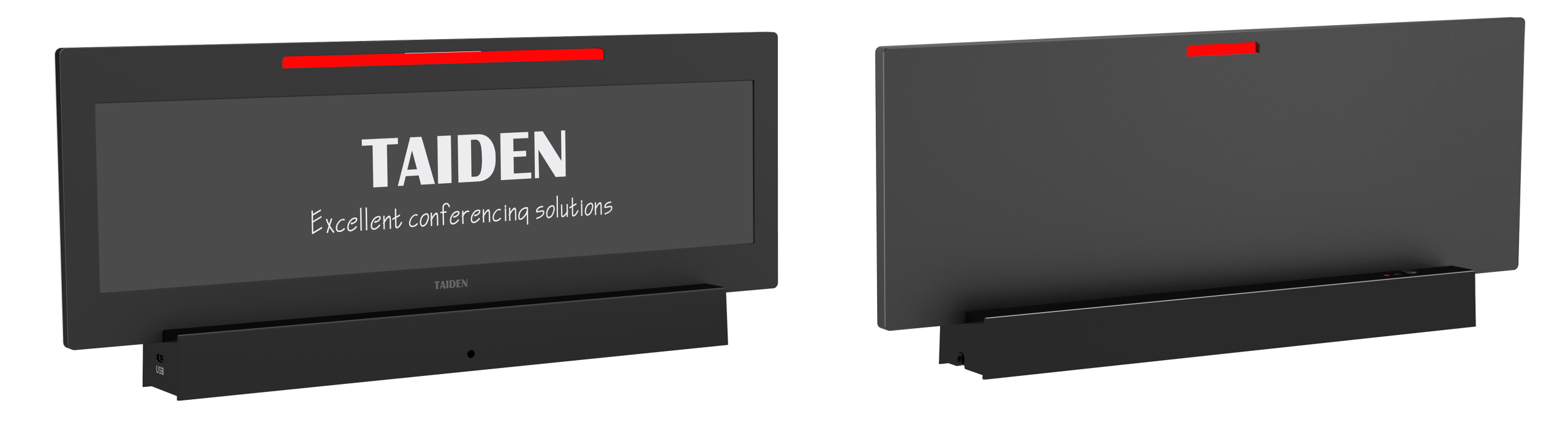
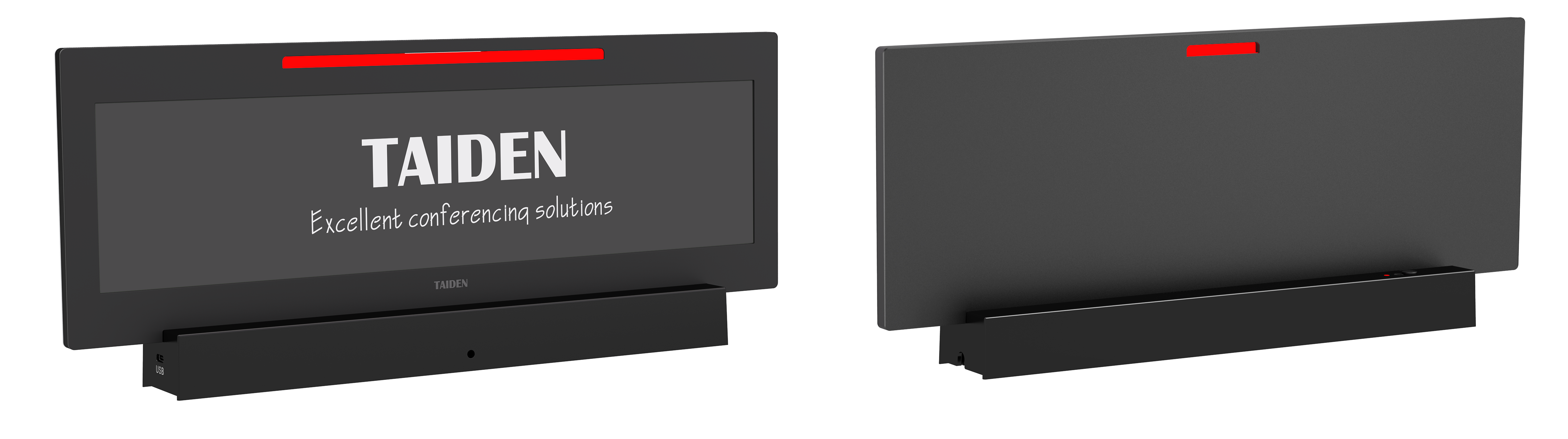
Now for a short case look. A hybrid office piloted 60 rooms over two floors. They standardized on identity-driven templates, used a modest rules engine, and capped each cycle to a two-minute sync window. OTA updates ran monthly, not daily. NFC taps supported quick overrides at the door (handy for guest speakers). They also tracked three metrics. Advisory close: 1) Update reliability—percent of plates that match the calendar within five minutes; 2) Power stability—mean time between charges or PoE interruptions; 3) Admin load—minutes per week per floor to manage content. With those, the team could judge progress, not vibes. And if you want a directionally sound baseline for hardware and system design—take a look at brands building integrated stacks like TAIDEN—the less you juggle, the fewer things break.