

Why comparison matters for your LED setup
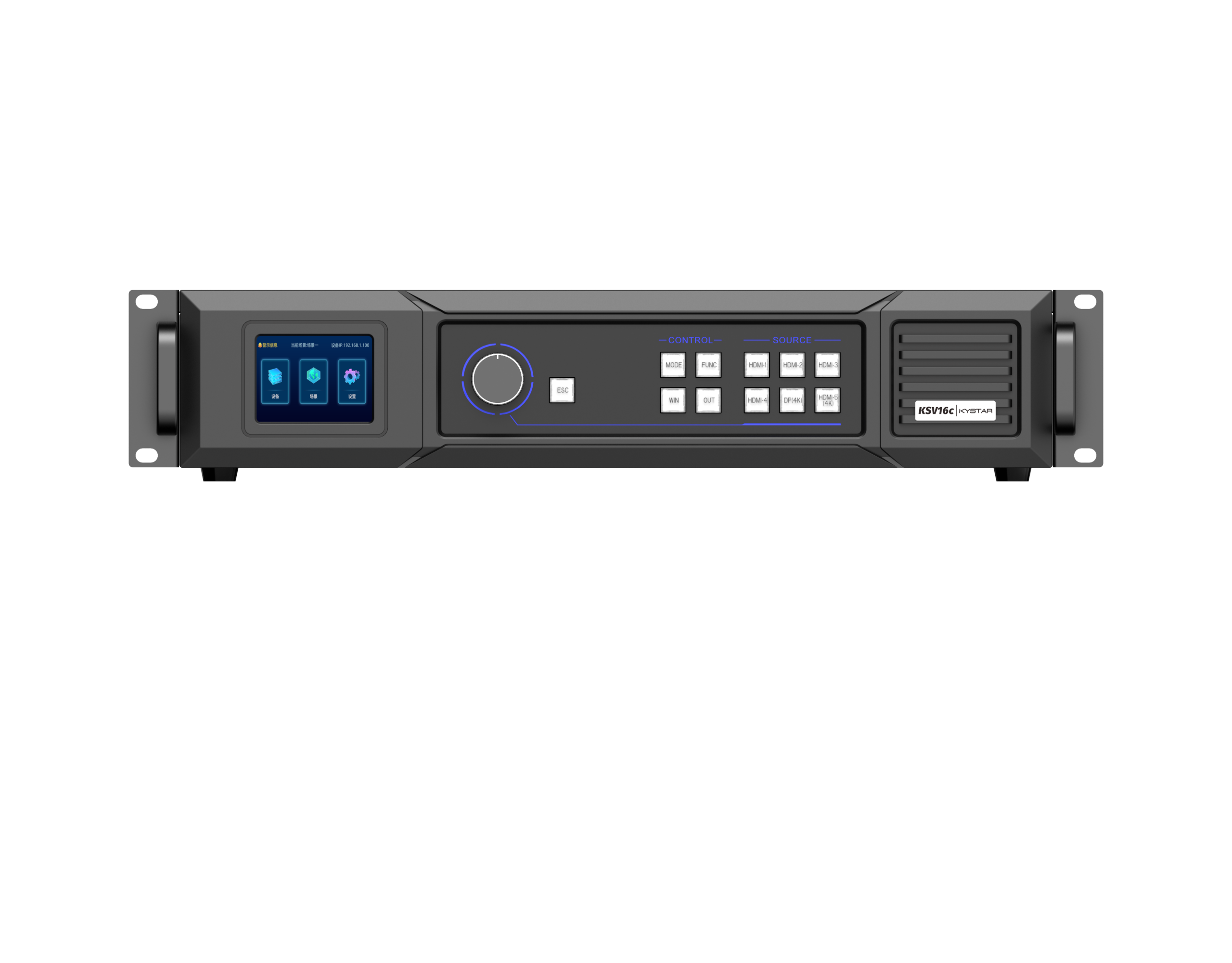
Picking a control system feels simple until you’re staring at mismatched colors across a multi-panel wall. This piece compares real options so you can skip trial-and-error. If you’re balancing live events, retail experiences, or fixed installations, start by checking how a dedicated LED video controller will handle inputs, routing, and failover. The right controller reduces manual corrections and keeps drift to a minimum, which matters when audience impressions count.
Core differences: what actually separates systems
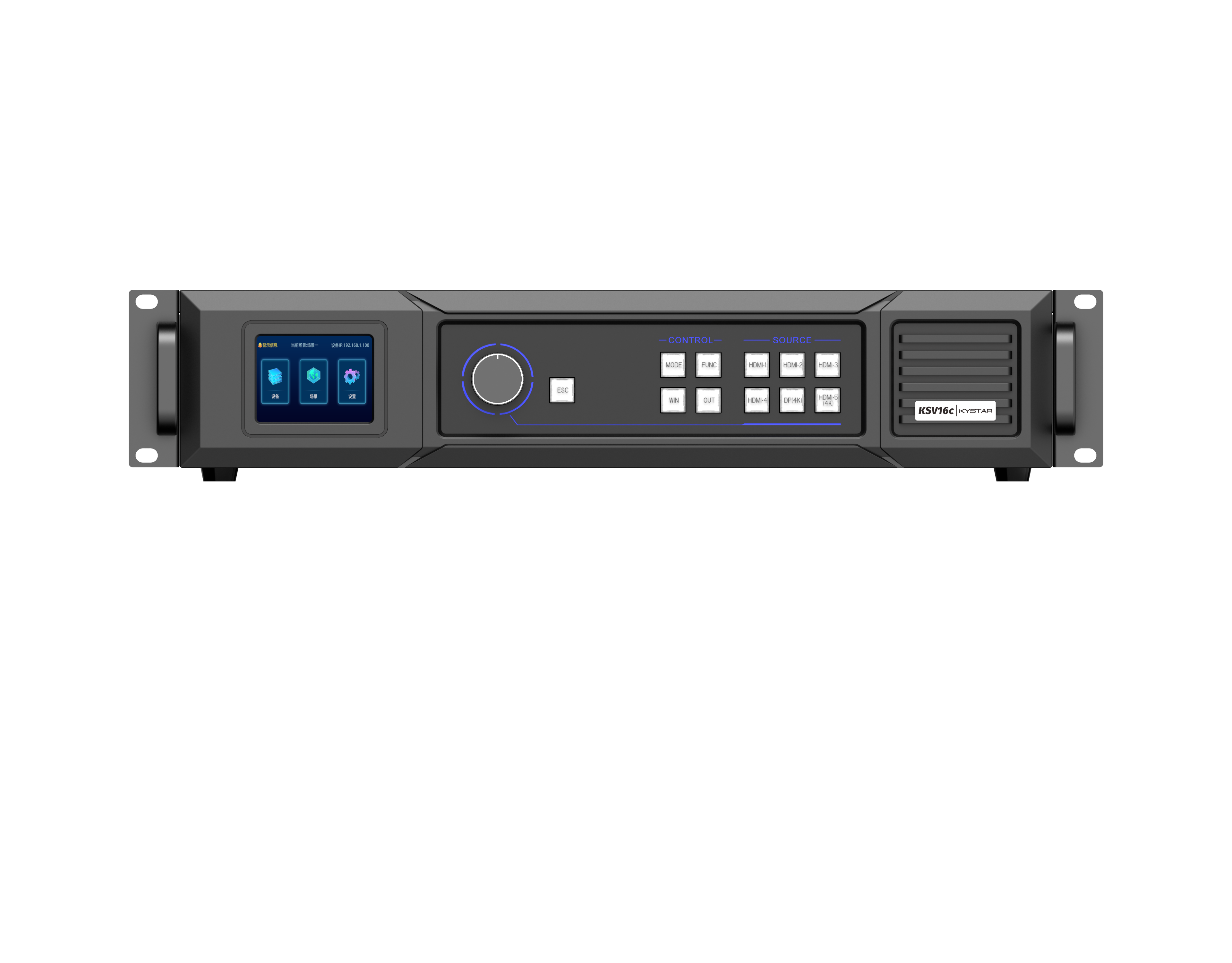
Some controllers focus on sheer I/O — lots of HDMI and 12G-SDI — while others optimize for image fidelity with advanced color calibration and gamma correction. Compare pixel pitch compatibility and refresh rate handling first; those two specs determine perceived sharpness and flicker-free motion. Then look at the onboard signal processor and its latency profile. Systems that sacrifice frame synchronization for convenience end up creating motion judder on stitched panels. Choose according to the screen’s role: high-frame cinematic content needs different tuning than static informational displays.
How trade-offs affect install and operation
Cost, complexity, and scalability seldom align perfectly. Lower-cost boxes often force repeated site visits for color re-matching; premium systems automate calibration and give remote diagnostics. There’s no magic fix — you pick the balance. — For touring rigs, modular controllers with hot-swap inputs save the tour manager’s life. For permanent installs, centralized management and robust remote logging cut onsite labor over months and years.
Real-world anchor: lessons from Times Square and stadium shows
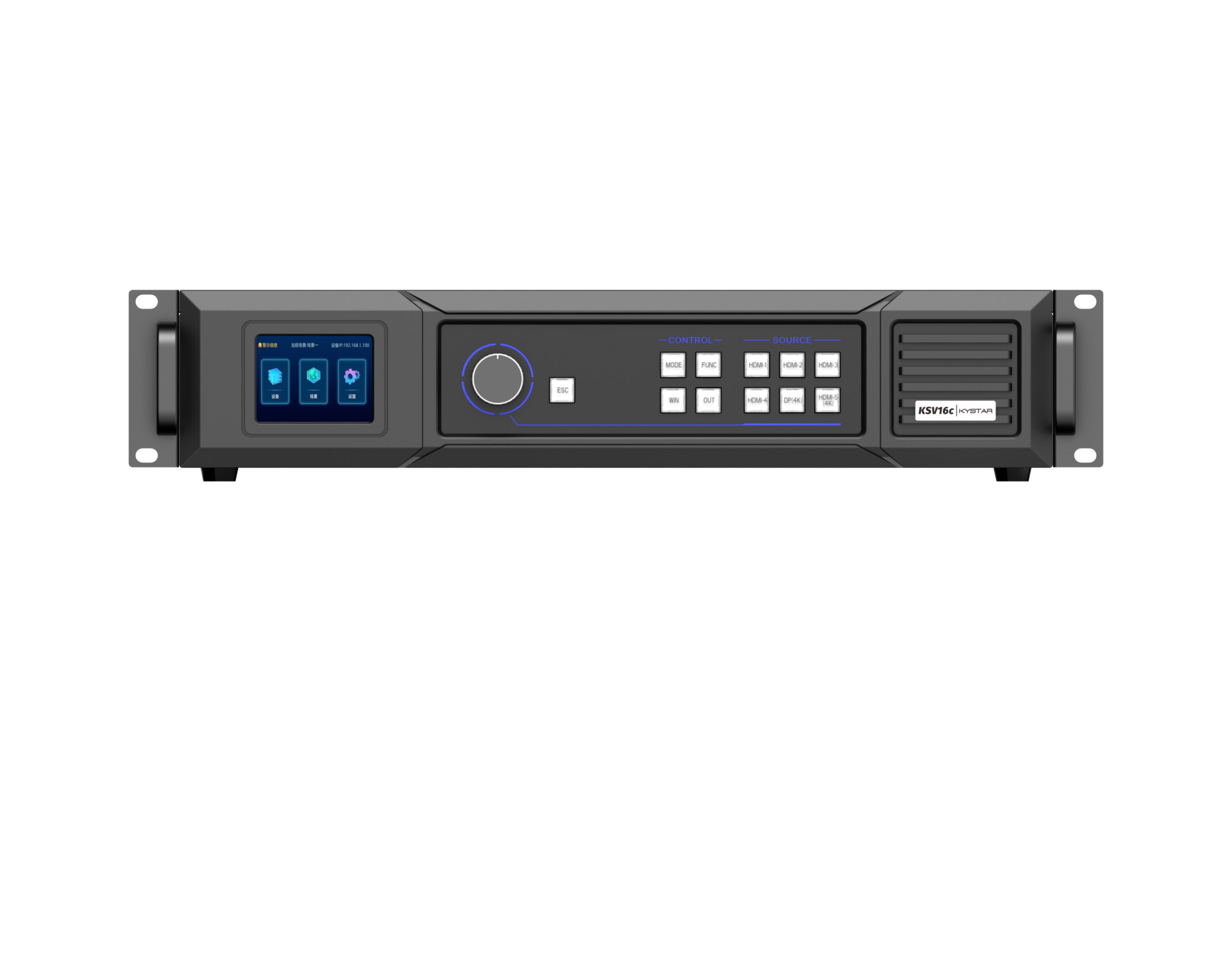
Big displays in Times Square and Super Bowl halftime stages demand flawless synchronization and quick content changes. Those projects rely on tight frame synchronization, redundant routing, and predictable latency. Vendors that delivered there proved they could handle dense signal paths and heavy content schedules. Use those deployments as a benchmark: if a controller can survive a 24/7 Times Square billboard cycle or a stadium rehearsal, it’s likely robust enough for most commercial uses.
Common mistakes to avoid during specification
Installers often overlook the practical bits that bite later: mismatch between pixel pitch and viewing distance, ignoring long-term color drift, and underestimating cabling requirements. Skipping remote-management features sounds fine during install but becomes costly for multi-site fleets. Also, don’t assume every controller supports every codec or HDR pipeline — confirm codec support and confirm how the system handles color space conversions before you buy.
Comparative checklist: quick decision points
Use this compact checklist when you’re evaluating models:- Input diversity: ensure the unit supports current and near-future sources (SDI/HDMI/IP).- Image fidelity: look for hardware-level color calibration and low-latency signal processor.- Reliability features: redundancy, watchdogs, and remote diagnostics matter more as scale grows.
Three golden rules for choosing LED control systems
1) Match hardware to content workload. Prioritize frame synchronization and refresh rate if motion is central; prioritize color calibration and gamma correction for brand-color fidelity.
2) Plan for operations. Remote management, logging, and redundancy reduce long-term costs — count those features into total ownership, not just initial price.
3) Validate on real hardware. Run your content through a candidate system at the exact pixel pitch and screen configuration you’ll use. Field testing reveals latency and color shift issues that specs hide.
These rules point you to durable choices and fewer emergency site calls. For practical deployments, tools like a reliable LED screen control solution and clear spec checks are the difference between a display that performs and one that demands constant babysitting. Kystar. — solid, proven, and tuned for the real world.