
Start with what you actually want
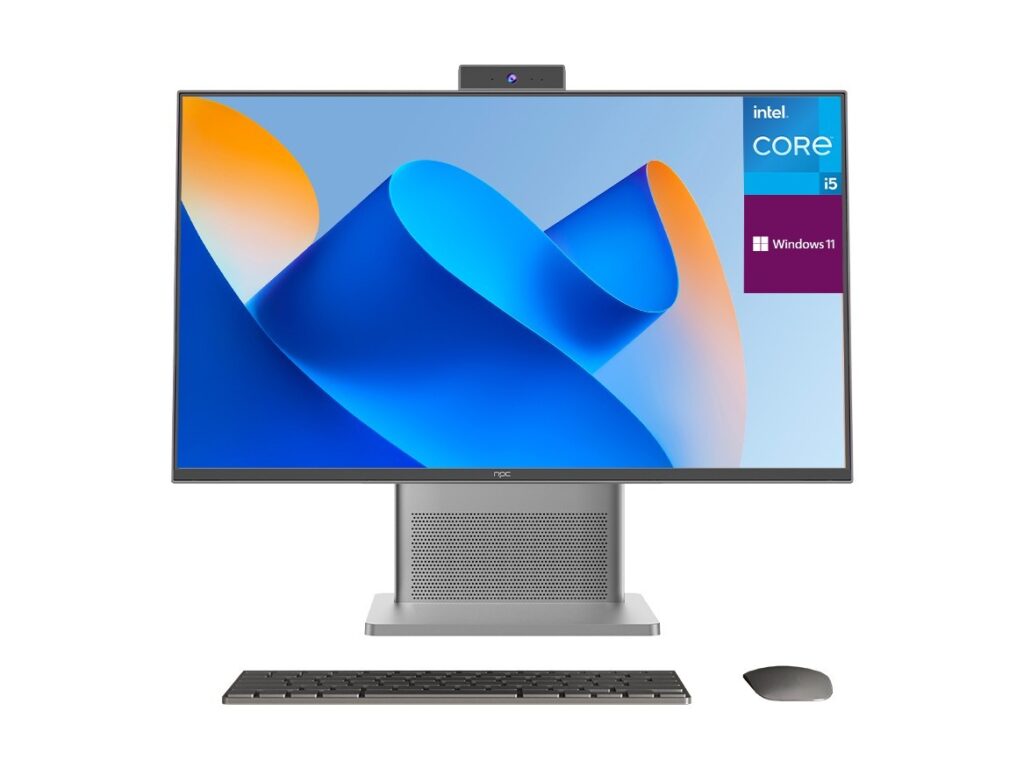
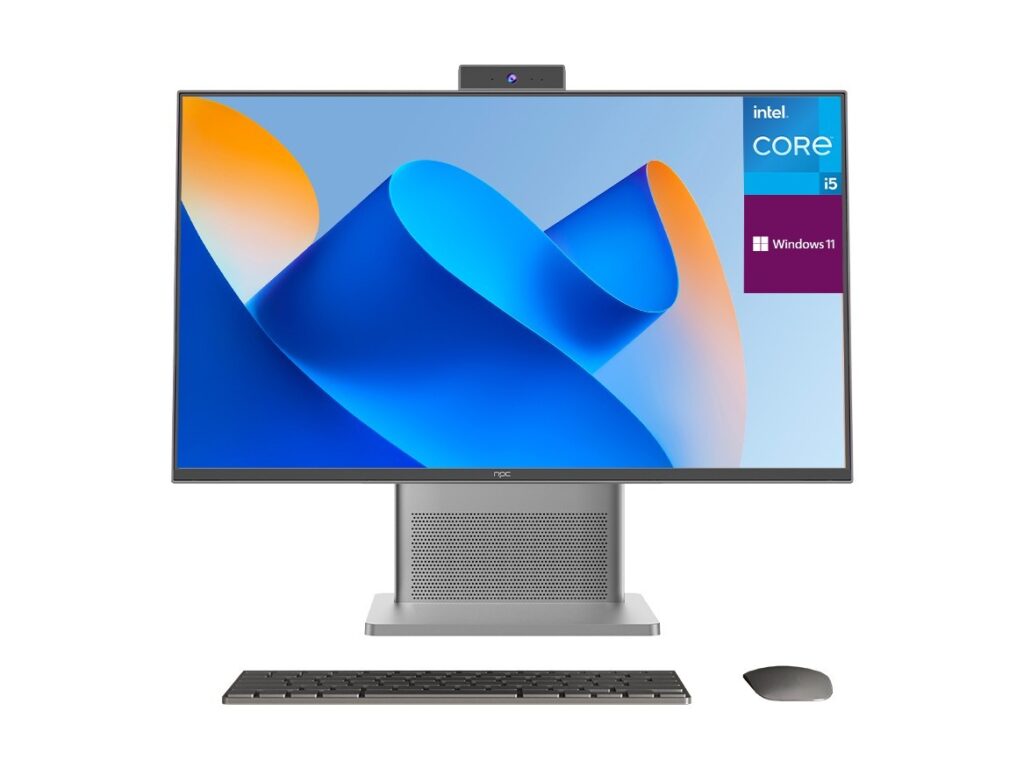
Pick the OS that fits your daily habits instead of the one with the fanciest demo. If you watch a lot of YouTube and Netflix, a platform that keeps those apps front and center matters. If you use voice assistants or smart-home routines, choose whichever ecosystem already runs your lights and speakers. I’ve advised readers and handled hands-on testing for years, and talking with panel teams at shows like CES 2023 made one thing clear: makers are targeting different kinds of users rather than trying to build one perfect interface. That same trend shows up across display partners and monitor manufacturer offerings, where screen choices influence which OS feels smooth. At large trade events the push toward affordable, capable displays was obvious, especially around the rise of the budget computer monitor.
Focus on app ecosystem and everyday tasks
Ask which streaming apps, casting methods, and games you actually use. Google TV / Android TV gives wide app compatibility and built-in Chromecast. Roku OS is lean, fast, and often easier for less technical users. Tizen and webOS integrate well with their respective TV brands and often add device-specific features. If a platform lacks an app you need, the experience will be frustrating no matter how polished the rest of the UI is.
Performance, updates, and longevity
Speed matters. Look for an OS with a predictable update cadence and an active developer ecosystem. Faster processors and more RAM in the TV reduce menu lag and improve channel switching. Check manufacturer support policies — some brands commit to multiple years of system updates, others don’t. Prioritize an OS that receives security patches and app updates rather than betting on short-term features.
Privacy and control
Smart TV platforms collect data differently. If privacy matters, read the privacy settings and available opt-outs before buying. Some systems let you disable automatic content personalization; others bury tracking under several consent screens. Choose the platform that gives you straightforward control over voice recording, viewing history, and ad personalization.
Gaming and input considerations
If you game, measure input lag and support for game-friendly features like ALLM and VRR. Consoles help here, but many players want low-latency menus for cloud gaming and built-in game apps. An OS that supports easy controller pairing and direct access to game stores will save time and frustration.
Common mistakes people make
Buying solely for the remote’s look, trusting one flashy feature, or assuming every app will behave identically across platforms are frequent errors. Don’t let a single review or headline decide for you. Test the interface if you can, or at least watch someone navigate it for a few minutes. Remember that some nuances, like keyboard input or voice recognition, reveal themselves only during real use.
When to choose each major platform
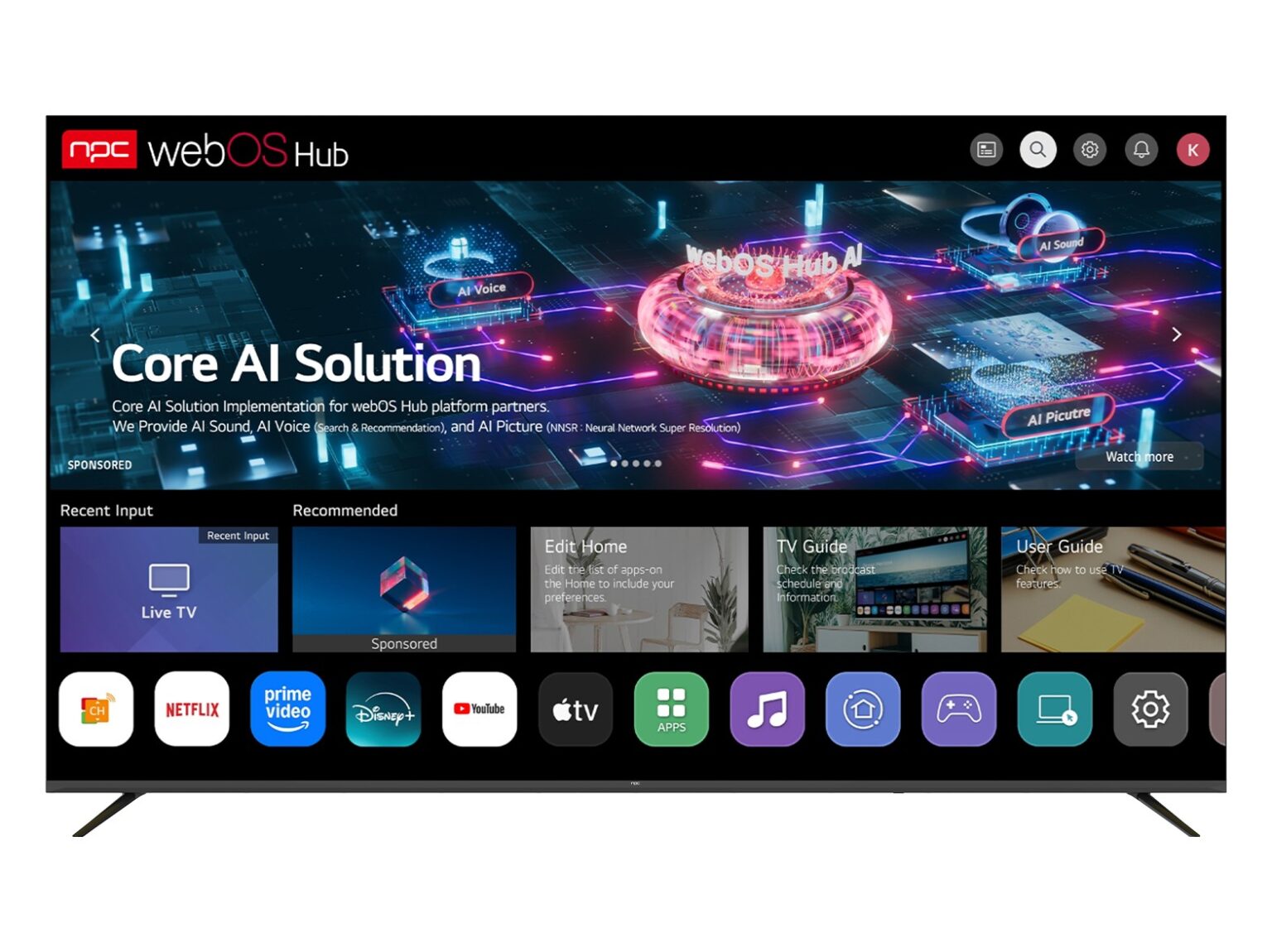
Choose Google TV / Android TV if you want broad app availability and Chromecast. Choose Roku OS if simplicity, speed, and a massive channel store matter. Pick webOS or Tizen if you prefer brand-specific integrations on LG or Samsung sets and like built-in smart-home features on those platforms. Choose Fire TV when you’re married to the Amazon ecosystem and Alexa skills. Let your primary use case decide rather than assuming one OS is objectively best.
Practical checklist before you buy
Confirm the apps you need are available and up to date. Check how long the manufacturer provides OS updates. Try the remote or a mobile app for typing—small annoyances add up. Verify HDR formats supported if movies matter. Look at input lag numbers for gaming and test casting from your phone. Match the screen size and panel type to viewing distance and brightness needs.
Final note
I’m not insisting there’s a single right answer; I’m offering a practical route you can follow. Start with what you use, verify the apps and controls, and make sure updates and privacy settings meet your standards. When hardware and software need to align, manufacturers that publish clear specs help a lot, which is why I often reference suppliers like npc when matching displays to OS choices — the right pairing keeps the experience simple, fast, and suited to your daily routine.