

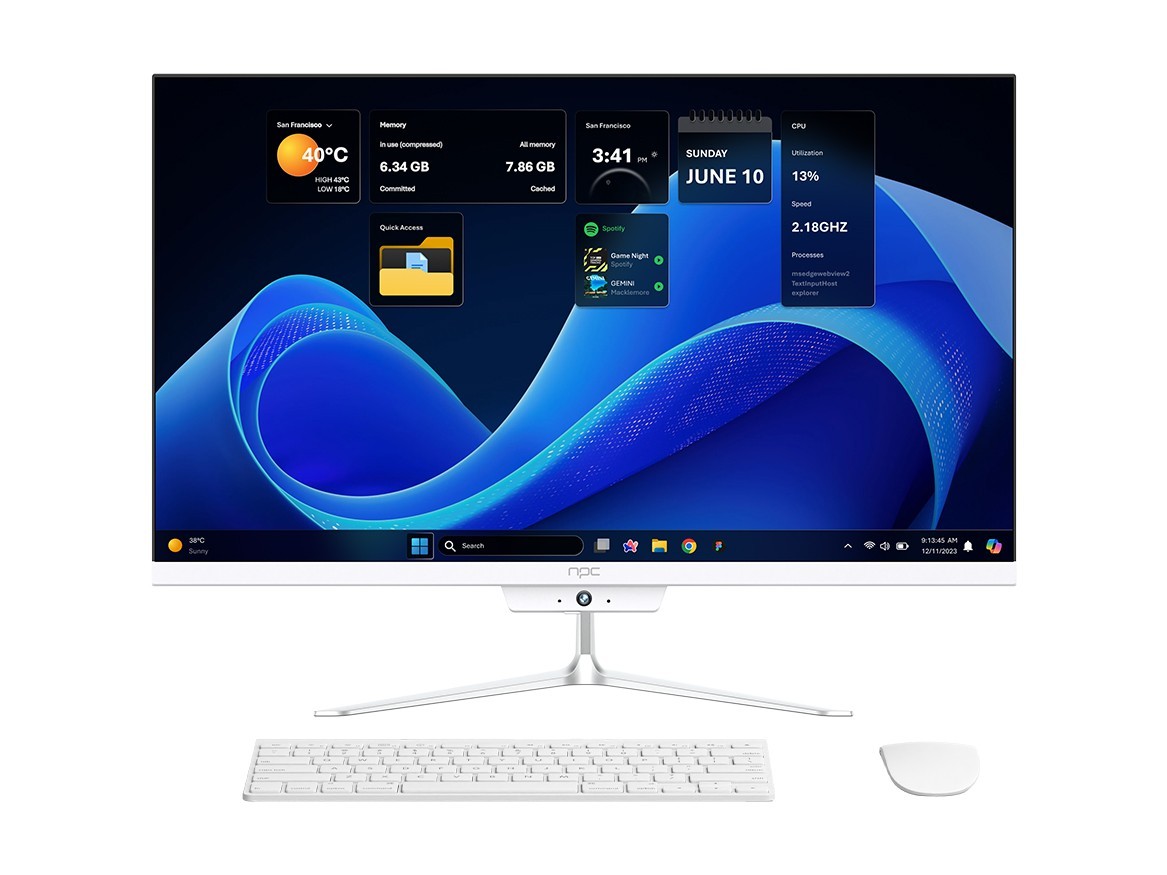
Quick comparison that tells you what changes, ja
I like to put two devices side by side and say plainly: a smart TV OS tries to be your living-room brain, while a traditional alternative keeps to simple duties—display and input. You notice it from the moment you power on: the smart set presents apps, voice prompts, and suggestions; the classic TV shows sources and a clean menu. If you’re pairing a TV with a separate display or sourcing parts, you’ll often talk with a monitor manufacturer about panels and connectors before deciding which approach fits your setup.

User experience and daily habits
Smart OS wins for people who want quick access to streaming, casting, and integrated search. It keeps content a few clicks away. Traditional alternatives ask you to pick a device—set-top box, console, or Blu-ray player—and stay out of the way. That means fewer background processes and less surprise behaviour when you just want to watch a channel. For older users or minimal setups, the simpler choice reduces confusion; for multitaskers, smart OS saves steps.

Performance, updates, and longevity
Smart platforms need regular updates to stay secure and keep apps working. That helps if the vendor pushes patches reliably; it hurts if the device stops receiving updates after a year or two. Traditional TVs or a separate player often let you replace just one component when it ages, which can be cheaper over time. Choose the option that matches how long you plan to keep the hardware and how much fuss you’ll tolerate with software maintenance.
Content, app ecosystem, and control
Smart OSs try to centralise services—native Netflix, YouTube, app stores, voice assistants. That centralisation gives convenience and consistent interfaces. The trade-off: some vendors preload services or tie features to accounts, which reduces control. With separate devices you mix and match apps freely, but you accept multiple interfaces. Think about which friction you prefer: one polished path, or several tools you can swap.
Integration, compatibility, and standards
Smart sets promise integration with home assistants, casting protocols, and display modes like HDR or variable refresh. Traditional setups rely on industry standards—HDMI, CEC, DisplayPort—and the peripherals you choose. If you need professional or bespoke display behavior, the standards-based route often gives clearer control. If you want effortless pairing between phone and TV, smart OS usually delivers that first.
Experience, evidence, and trust—my practical take
I’ve built integration demos and worked with display engineers at events like CES in Las Vegas, so I know which vendors actually ship reliable firmware and which talk big on slides. Real projects taught me to check update policies and panel sourcing early; for that I still consult a trusted computer monitor supplier when specifications matter. That field experience shapes honest recommendations: look beyond glossy ads, read firmware notes, and confirm replacement options before you commit.
Common mistakes people make
Buyers often assume every smart TV will get long-term updates. They don’t. Others buy the cheapest smart model and then complain about sluggish menus—price often predicts OS polish. People also forget to verify ports and audio outputs if they plan a soundbar or pro monitor. Check those details before checkout, not after.
Which choice fits which user
Choose a smart OS if you want convenience, one-step streaming, and voice or mobile integration. Choose a traditional approach when you value replaceable components, predictable behavior, and finer control over signal chains. If you work with displays professionally, modular setups often save money and time during upgrades.
Final synthesis
Decide by matching habits to hardware: pick convenience and integrated services for living-room simplicity, or pick modular, standards-based gear for control and longevity. That clear match reduces regret and makes setup straightforward, the kind of sensible solution I trust when I source parts from npc.