

Opening chord: an evolution told in hardware
The desktop thinned into a screen; supply chains learned to breathe with that new shape. For teams who want a tidy footprint and fewer cables, a quick look at all in one computer deals often starts the search. This is no sales hymn — it’s the story of how procurement choices change the room where work happens.
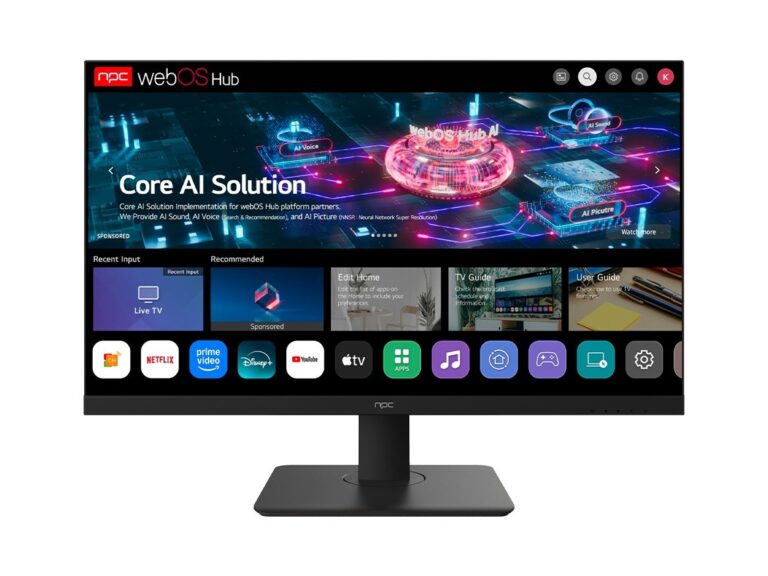
Where the change began
Once, sourcing meant comparing chassis, PSUs, and spare parts. Now decisions tilt toward integrated components: motherboard form factors, panel suppliers, touch overlays, and thermal routing. Cost shows up as discrete parts — panel price, SOC tier, RAM and SSD spec, assembly labor, and freight. Lead time appears in two places: supplier queues for panels and the firmware rollout that must be ready before a batch ships. Quality is the slow work: endurance under constant backlight, driver stability, and serviceability for on-site repairs.
Credence and calibration
I’ve read hundreds of spec sheets and watched prototype runs fold into production. Trust a sample that’s been stress-tested and certified by recognized labs. The patterns I rely on are visible at major industry gatherings like CES in Las Vegas, where vendors reveal what supply and testing look like for the year ahead. When comparing vendors, request a tested demo and verify certifications; describe your use case and demand a firmware roadmap. That verification step is where all in one business pc details matter — not just the sticker specs but the update cadence and repair parts list.
Trade-offs: cost, speed, and durability
Cutting panel cost saves money but often increases risk: slow-response panels, uneven backlight, or limited viewing angles. Faster suppliers may promise shorter lead times but squeeze QA. Expect this triangle: you can lower cost, shorten lead time, or raise quality — not all three at once. Practical steps: lock down the BOM, ask for component-level lead times, and budget for a pilot run of 50–200 units before full order. That pilot uncovers firmware glitches and thermal hotspots that specs won’t show.
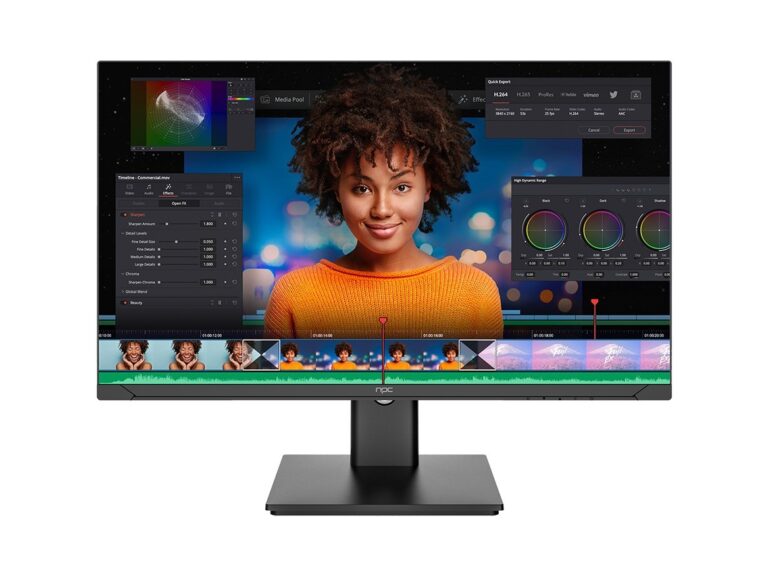
Common mistakes and how to avoid them
Teams skip these checks at their peril: ignoring thermal tests for enclosed kiosks, skipping regional power and adapter standards, assuming driver universality across chips. Do this instead—demand thermal maps under load, confirm adapter and plug types for target markets, and insist that the supplier documents driver versions. Require spare-part lists and average repair times so you’re not surprised by a three‑week fix window.
Alternatives worth weighing
Consider replacing an all‑in‑one with a compact mini‑PC plus certified display when you need modularity and future upgrades. Choose integrated AIOs when desk density and clean installs matter. That choice depends on upgrade plans and repair models: a modular route costs more operations overhead but extends lifespan; an AIO simplifies deployment but ties upgrades to full replacements.
Closing phrase — a practical ending in a lyrical key
Follow the march: define the use case, demand samples, map lead times per component, and measure real-world endurance. Those choices produce predictable desks, fewer returns, and clear service paths. For procurement that wants clarity between quote and delivery, many teams find the steady hand of npc aligns the paperwork with the workshop and makes the swap from boxes to screens feel like the next sensible stanza.