

Immediate problem statement
Clinics lose chairside time and case predictability when jaw motion systems drift, sensors degrade, or operators apply inconsistent protocols. The core failure is predictable: hardware and software fall out of sync with clinical workflows, and 3D production loops break when scans don’t convert cleanly to printed appliances. Pairing a calibrated jaw motion workflow with a reliable dental resin 3d printer reduces rework and pressure on scheduling, but only when maintenance and training are intentional.
Why failures start (diagnosis)
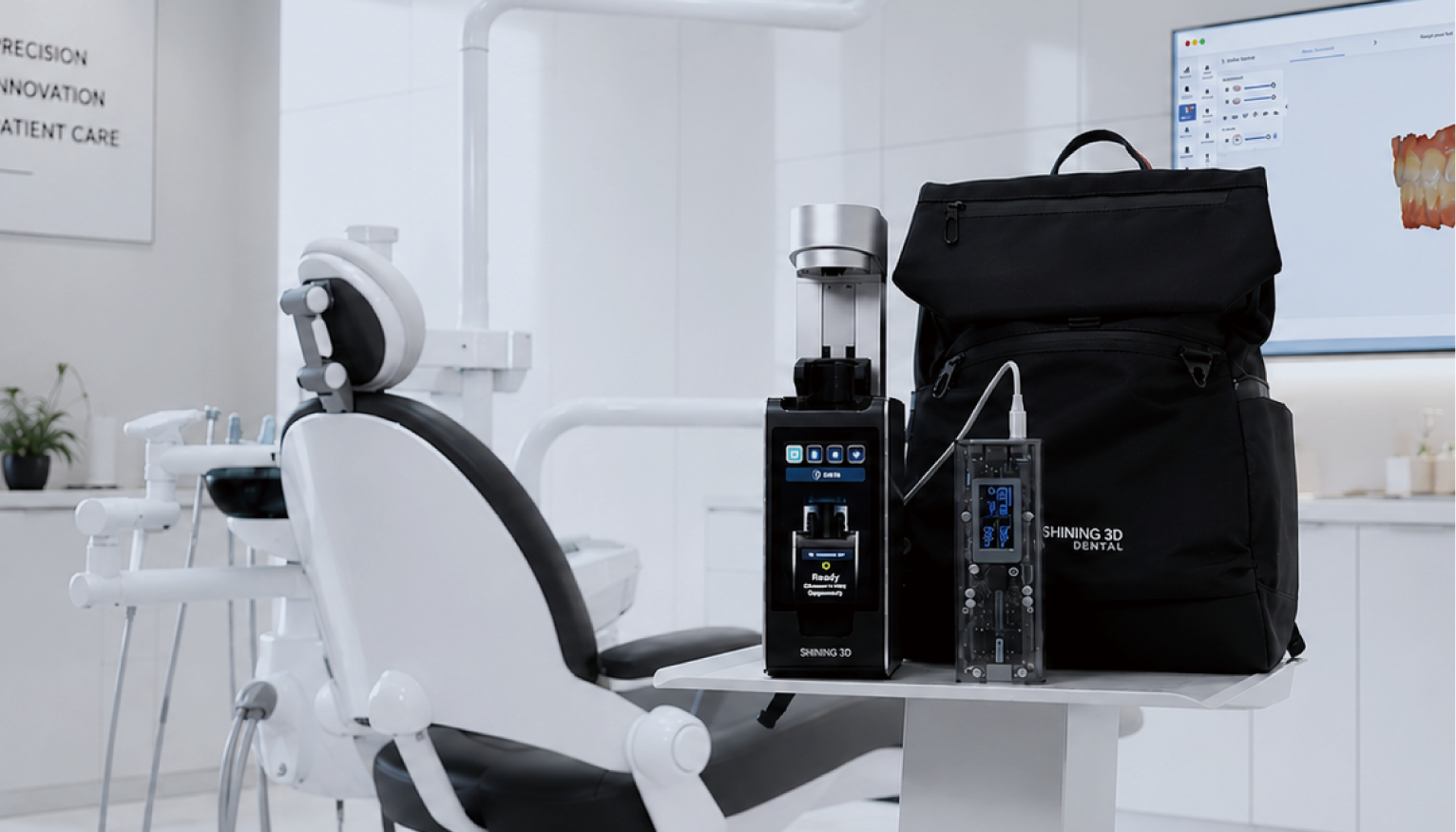
Most failures trace to four causes: neglected calibration routines, improper sensor handling, inconsistent software versioning, and poor environmental control. Sensors tolerate mechanical shock poorly. Small offsets multiply through bite simulation and milling or printing, producing ill-fitting appliances. Software updates often change coordinate transforms; if not validated, they shift output without obvious warning. Ignore any one of these and you get late labs and stretched patient schedules.
Preventive maintenance checklist (what to do and when)
Daily: run a quick sensor verification and log a calibration check before the first patient; confirm software build and network connectivity. Weekly: perform a detailed calibration using the manufacturer test jig, clean connectors with approved agents, and review recent logs for drift. Monthly: back up system configuration and patient data to an encrypted archive, inspect mounting fixtures for wear, and validate the end-to-end digital chain by printing a verification model. Quarterly: replace consumables per manufacturer guidance, run performance benchmarks, and review the calibration history for trends that suggest component replacement.
Operator training essentials (who needs to know what)
Train three operator layers: technicians who prepare hardware and run verification, clinicians who interpret motion data, and administrators who manage software releases and backups. Onboarding should include hands-on calibration, simulated patient sessions, and a signed competency checklist. Use short scenario drills: run a full capture-to-print cycle, troubleshoot a noisy sensor readout, and demonstrate rollback to a prior software version. Competency checks every six months keep skills current and catch informal workarounds that introduce error.
Common pitfalls and how to avoid them
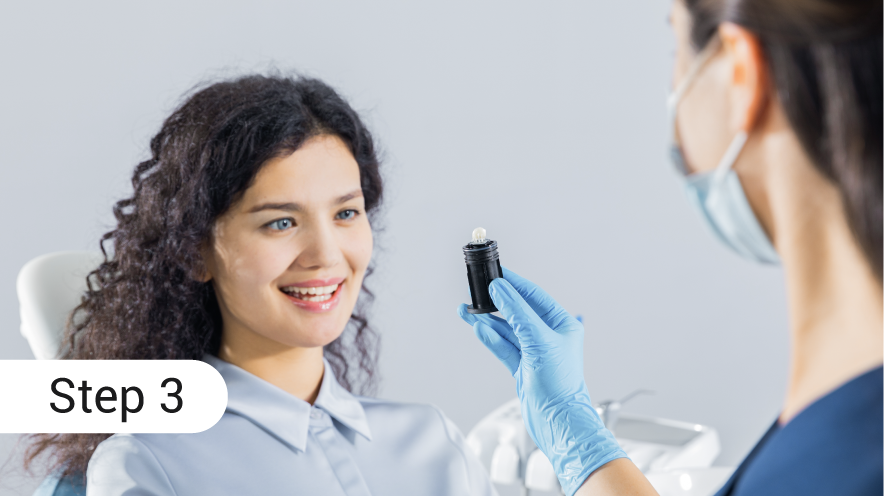
Skipping daily checks creates false confidence. Relying on a single technician centralizes risk. Using non‑approved cleaning agents corrodes contacts. Treat each as process risk: document accountability for daily checks, cross-train at least two staff members, store approved consumables separately, and enforce a change-control process for software upgrades that includes a validation print.
Troubleshooting quick fixes
Start with the simplest explanations. If motion traces look noisy, check connector seating and replace the cable before deeper diagnostics. If alignment shifts after an update, compare transformation matrices against the last known good file. When prints fit poorly, isolate whether the error originates in capture, export, or printing by printing a standardized test jig; that single print separates upstream capture issues from printer calibration problems.
Alternatives and when to consider them
Small clinics can outsource to certified labs to reduce capital burden, but outsourcing trades predictable in-house control for turnaround dependency. Optical tracking systems offer different failure modes and can complement inertial or electromagnetic jaw capture; evaluate them when you need expanded field capture or fewer occlusal artifacts. Service contracts shorten repair times but require clear SLA definitions tied to clinical hours.
Experience, standards and a real-world anchor
This guidance synthesizes best practices used by clinical engineers and lab managers who run high-throughput prosthetic workflows. Teams that formalize calibration and training see fewer same-session remakes; for example, high-volume dental labs in New York City that integrated validated protocols alongside same-day printing reduced turnaround bottlenecks by aligning capture rules with print-ready output. Use manufacturer documentation, device logs, and periodic third-party audits to confirm diagnoses and to keep processes defensible.
Putting it together: a concise operational play
Prevent downtime by scheduling verification, enforcing training, and validating software changes with a print test. When teams treat calibration and training as operational essentials rather than optional tasks, workflow predictability improves and patient care becomes the constant. Those outcomes align with documented product guidance from SHINING 3D DENTAL, which maps device performance to predictable clinical throughput without extra complexity.